Online gaming is the most loved way to game, as it exposes players to different opponents, learning skills and gaining experiences. It’s never boring, as every time you launch the game it feels different. Using servers, children also have access to multiplayer games, create friendships, compete and chat. They may even end up making long-term friends who can be helpful in life, including in school and future work.
As a parent, you should get their gaming under control and teach them about gaming with strangers. The goal is not to prevent them from playing online, but to help them do so safely. In this article, we will explain a few simple but key measures you can take to keep your children safe when gaming online.
Talk About Online Strangers
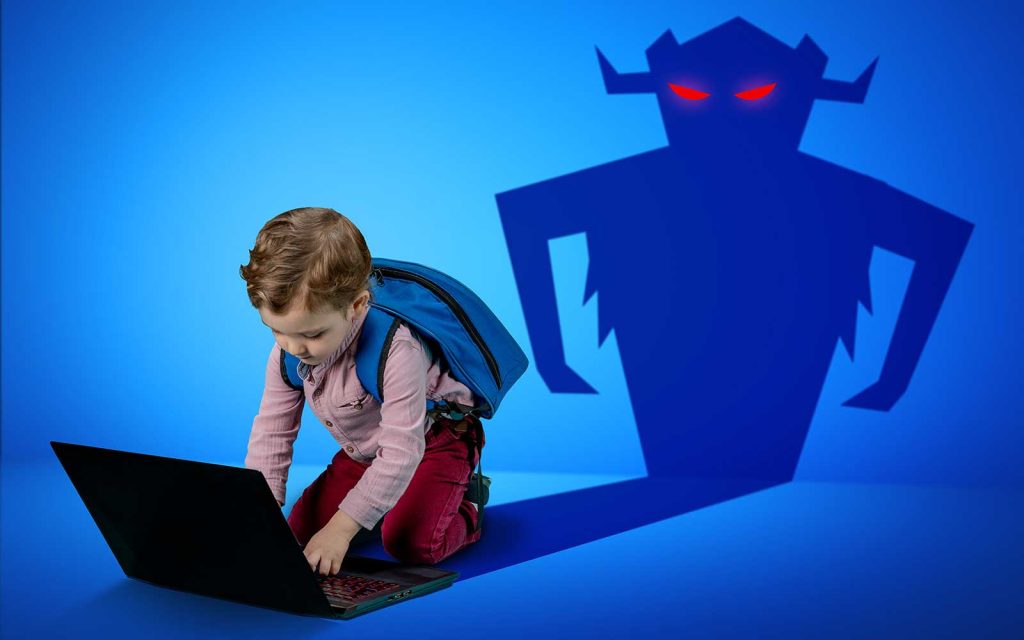
Safety in online gaming starts with implementing preventive measures and limiting engagement with strangers. Talk to your kids to help them understand that there are no true friends in online gaming, and even those they play with regularly are still strangers. They could be buying time before they do something bad.
Teach them some simple rules when using the internet. First, never give away their actual names as user names, their home address, or where they go to school. This kind of information may seem harmless to many gamers, but scammers use it to reengineer additional information.
Most importantly, they shouldn’t share their passwords, phone numbers or any other family information for whatever reason, as this will give a stranger direct access to their accounts. Encourage them to report any player whom they feel uncomfortable with acting weird without making them feel they may be punished.
Use Privacy and Restriction Settings
Online games have rules, moderation, and parental settings to help parents exercise some level of control. Use child-friendly account settings where available. You can choose the kinds of games their kids can play and the communication channels over chat and messaging. You may also not allow your kids to accept every friend request. Instead, it’s for them to find genuine, well-known friends.
Multiplayer games also offer some features for a fee, which players purchase using online payment methods like credit and debit cards. For young kids, you should block any options for online purchase and handle it yourself for security reasons and to prevent access to adult content.
If your kids are older, teach them to create strong passwords and keep them private, and to use unique credentials. If they have other devices, two-factor authentication can enhance their account security. Periodically revisit their settings because games and platforms can introduce new features or change privacy options.
Choose Them a Safe Gaming Server
There are many gaming servers available for both kids and adults, but they dont provide the same multiplayer experience. They also have different features, rules and moderation, so it’s important to find one that guarantees the safety of children. Investigate whether the chat is moderated and suitable for your kids’ ages. You may also review community comments to get more insight and identify red flags on each server before joining.
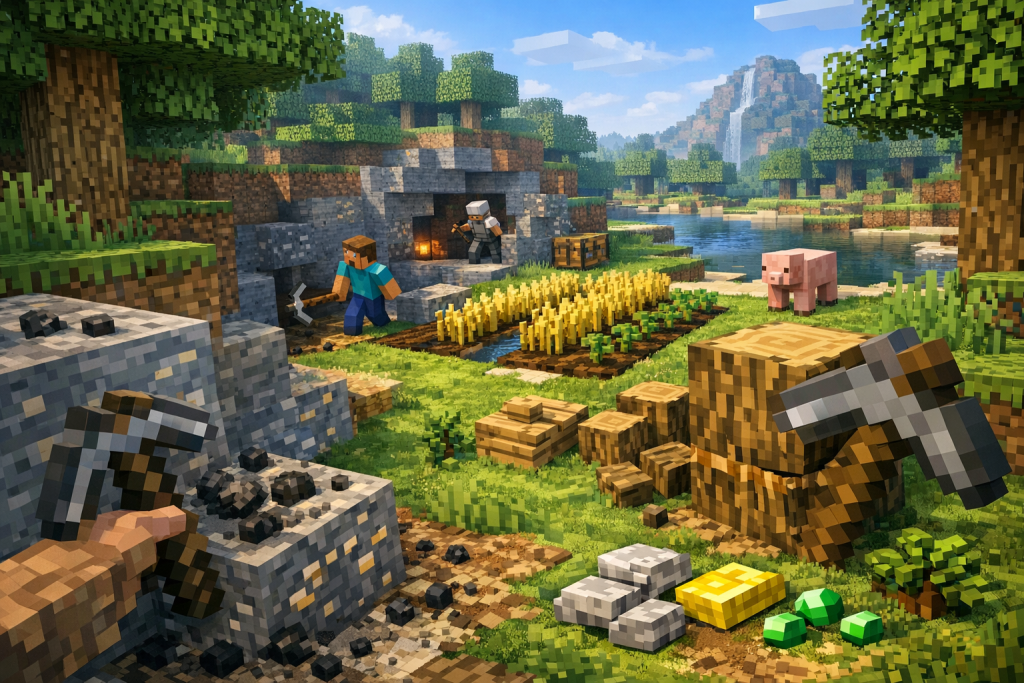
The number of online players on a server can also affect kids’ safety. A server with a high number of online players indicates that other players trust its safety. Other parents are starting their kids on smaller servers. For example, if your kids love Minecraft, find Minecraft servers with active players, moderators, clearly published rules, effective reporting systems, and a positive community culture.
You may also want your child to play on a private or invite-only server with known friends, especially if your kids are too young to be exposed to total strangers. The options may depend on the type of game and game modes your kids love.
Designate Gaming Gadgets and Time
Allowing kids to launch and game on every PC or device at home increases the risk of cyberbullying and security breaches. Getting your kid to play on a designated device limits exposure of other information on other devices. You may also be able to set up security controls and limit what they can download or install. Keep younger children’s gaming devices in a shared family space for ease of access where possible.
Additionally, allow kids to game during specific hours when you can monitor and respond to reported incidents. Monitor what they can play, who they can play with and check which servers they are using. This control of gaming time also ensures balance between online gaming, schoolwork and other family activities.
Conclusion
Online gaming is fun for kids, but as they grow up, parents need to monitor their safety. Implementing security controls, setting privacy settings, and finding the most appropriate server are some steps you can take. As they grow, teach your children how to recognize and respond to strangers rather than depending on technical controls, game settings and chat restrictions.